How to Create a WiFi QR Code So Guests Don't Have to Type the Password
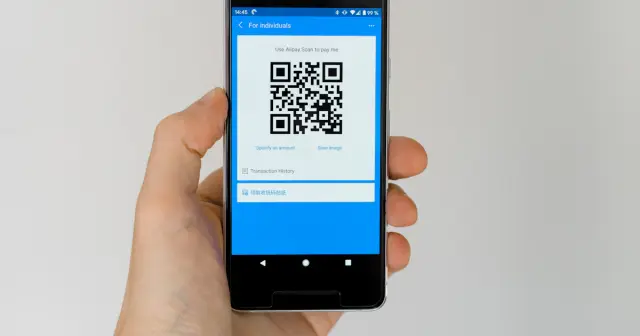
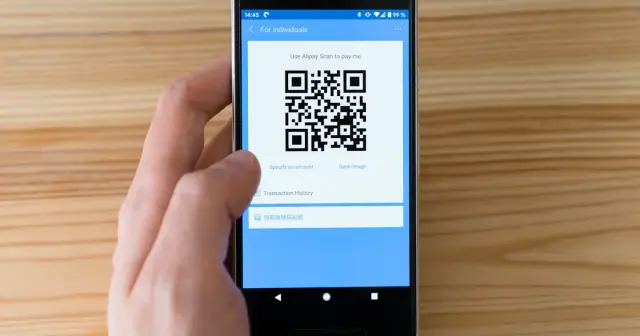
Spelling out a long WiFi password to guests is often a hassle, especially when it has capital letters, numbers, and symbols. With a WiFi QR Code, guests simply point their phone camera at the QR Code and connect right away.
How a WiFi QR Code works
A WiFi QR Code stores the network name (SSID), security type, and password in a special format that phones recognize, for example WIFI:T:WPA;S:NetworkName;P:Password;;. The built-in camera on iPhones (iOS 11 or later) and most Android phones (Android 10 or later) can read it directly, without any extra app.
Steps to create one
- Open the QR Code generator and select the WiFi tab in the Data section.
- Type the network name exactly as it appears in the WiFi list, including upper and lower case letters.
- Type the password, then choose the security type. Most home and office routers use WPA/WPA2/WPA3.
- Check Hidden network if your WiFi name is not shown in the list.
- Add a frame with text such as "SCAN WIFI" so guests know what it is for, then download the PNG.

Where to put it up?
- A small card on café or restaurant tables.
- The wall of a living room, reception area, or office meeting room.
- Guesthouse rooms, stuck near the door or the TV.
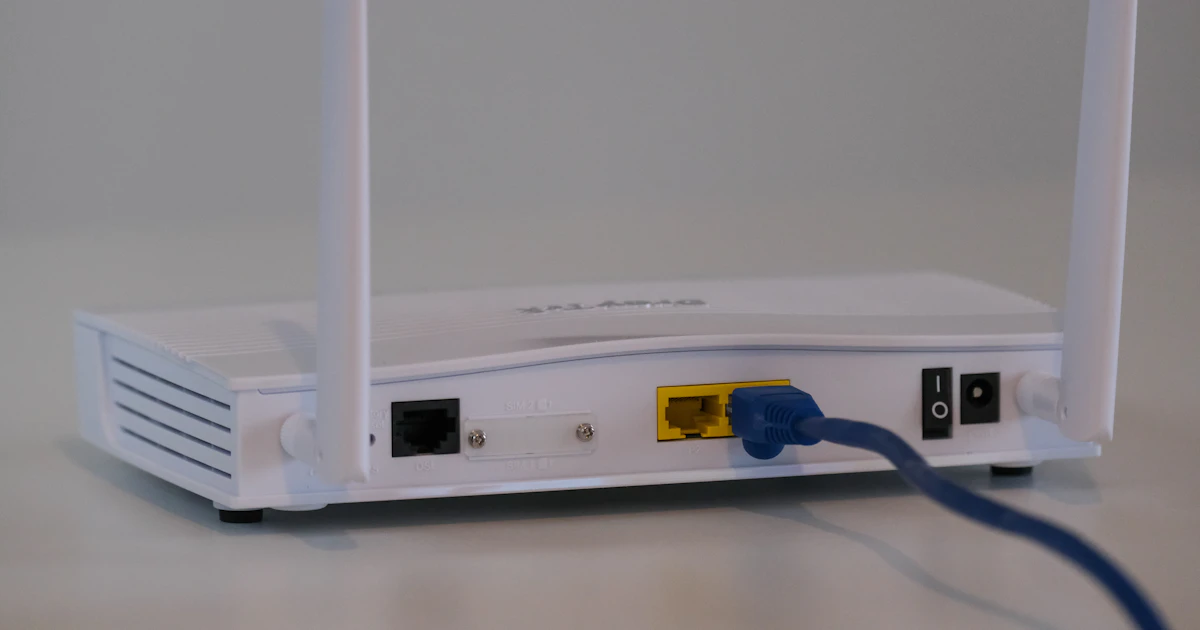
- The underside of the router at home, so family members can easily connect new devices.
Security tips
- Use a guest network if your router supports it, so guests do not join the same network as the office computers.
- If the WiFi password is changed, create and reprint the QR Code, because the old QR Code will contain the old password.
- Do not put up a WiFi QR Code for a private network in a public place where anyone can take a photo of it.
If the QR Code does not connect
Double-check the spelling of the network name and password, because a single wrong letter will make the phone fail to connect. Also make sure the selected security type matches the router settings. For other scanning problems, read reasons a barcode won't scan.
Frequently Asked Questions
Can every phone scan a WiFi QR Code?
The built-in camera on iPhones with iOS 11 or later and most phones with Android 10 or later can read it directly. Older phones may need a QR scanner app.
Is a WiFi QR Code secure?
Anyone who scans the QR Code can connect to your WiFi. For that reason, use a guest network and do not put up a QR Code for a private network in a public place.
What should I do if the WiFi password is changed?
Create and reprint the WiFi QR Code, because the old QR Code still contains the old password.