7 Reasons a Barcode Won't Scan and How to Fix Them
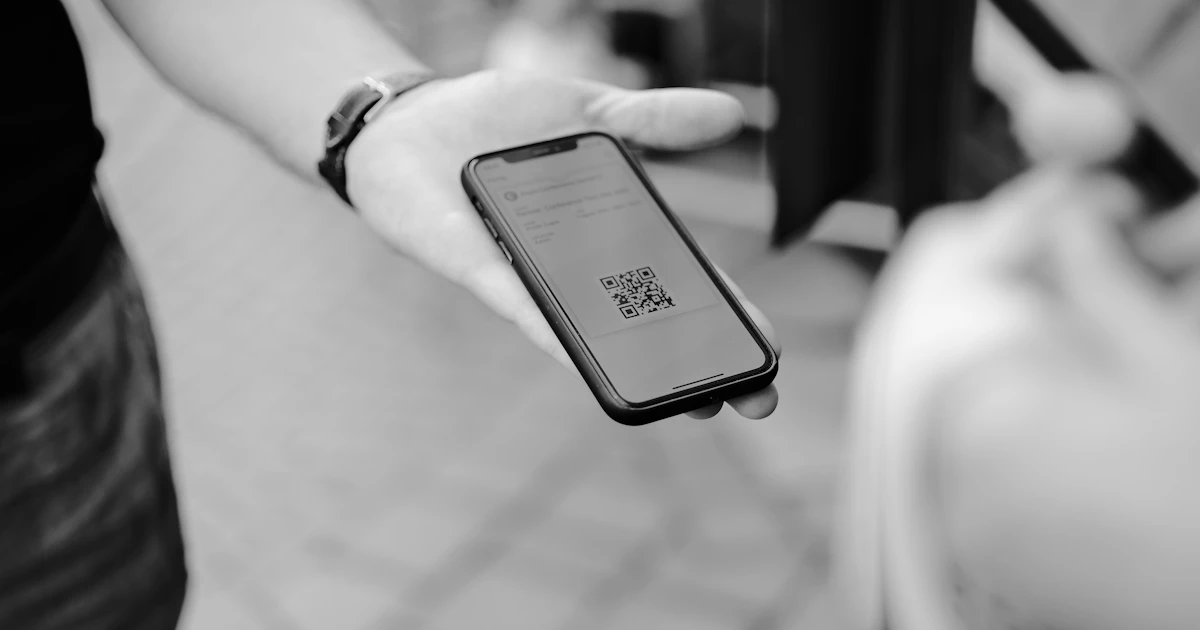
Nothing is more frustrating than printing hundreds of barcodes only to find out they cannot be scanned. The good news is that the cause is usually simple and easy to prevent. Here are the seven most common causes.
1. Color contrast is too low
Scanners read the difference between dark and light. A light gray barcode on white, or dark blue on black, is hard to distinguish. Solution: use a dark color on a light background. Black on white is the safest choice.
2. Inverted colors or red
Light barcodes on a dark background are not supported by all scanners. In addition, many checkout scanners use red light, so red lines look the same as a white background. Solution: avoid red for barcode lines or modules, and do not invert the colors.
3. The size is too small
A camera needs enough pixels to recognize each module. Solution: make the barcode larger. For a QR Code scanned up close, use at least about 2 × 2 cm. See the print size guide.
4. There is no quiet zone
A barcode that touches images, text, or the edge of the paper is hard to separate from its surroundings. Solution: leave empty space around the barcode, especially to the left and right of line barcodes.

5. The image is blurry or distorted
A barcode enlarged from a small image, saved as a low-quality JPG, or stretched out of proportion will lose its shape. Solution: download it with a larger module size in PNG format, and always resize it proportionally.
6. The data is wrong or does not match the type
Every barcode type has rules. EAN-13, for example, only accepts 12 or 13 digits with a correct check digit. A mistyped link also makes a QR Code that scans but opens nothing. Solution: check your data before printing. The I Need Barcode generator will display a message if the data does not follow the rules of the selected barcode type.
7. Surface and lighting
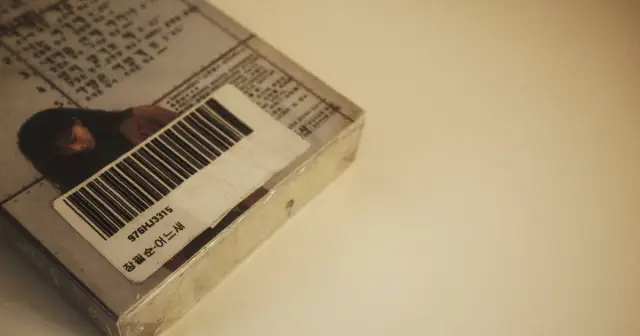
Glossy materials, clear plastic, folds, and curved surfaces can reflect light or change the shape of the barcode. Solution: print on a flat, non-glossy surface, then test it under the actual lighting conditions.
About designed QR Codes
QR Codes that are given shapes, colors, or frames can still be scanned as long as the three marker squares in the corners are intact and the contrast is sufficient. Read more in creative QR Code designs that stay readable.
The best habit: always test one print with several phones and scanners before printing in large quantities.
Frequently Asked Questions
Why can a QR Code be scanned on one phone but not on another?
Cameras and scanner apps differ in capability. QR Codes that are too small, have low contrast, or use inverted colors fail more often on certain phones. Test with several phones before printing.
Can colored barcodes be scanned?
Yes, as long as the color is dark on a light background. Avoid red for barcode lines, because many checkout scanners use red light.
How can I check whether a barcode is correct?
Scan the printed result with several phones or scanners, then make sure the data read is exactly the same as the data you entered.