Creative QR Code Designs That Can Still Be Scanned
Black and white QR Codes are certainly functional, but they often look stiff on packaging, invitations, or promotional materials. With a little design touch, a QR Code can look more attractive without losing its function. The key is understanding which parts may be changed and which must remain intact.
Outer shape: heart, circle, and more
In the Design section of the QR Code generator, you can choose shapes such as a circle, heart, hexagon, octagon, star, or diamond. The actual QR Code stays in the middle, and the rest is filled with a decorative pattern until it forms the chosen shape. The decorative pattern contains no data, so it does not interfere with scanning as long as there is empty space around the actual QR Code.
Dot style
The squares of a QR Code can be changed into rounded shapes or round dots. To keep it easy to scan, the three large squares in the corners (finder patterns) should remain intact as squares, because this is the part the camera looks for first. Our generator always draws this part as a solid square, at most with rounded corners, whatever dot style you choose.

Color
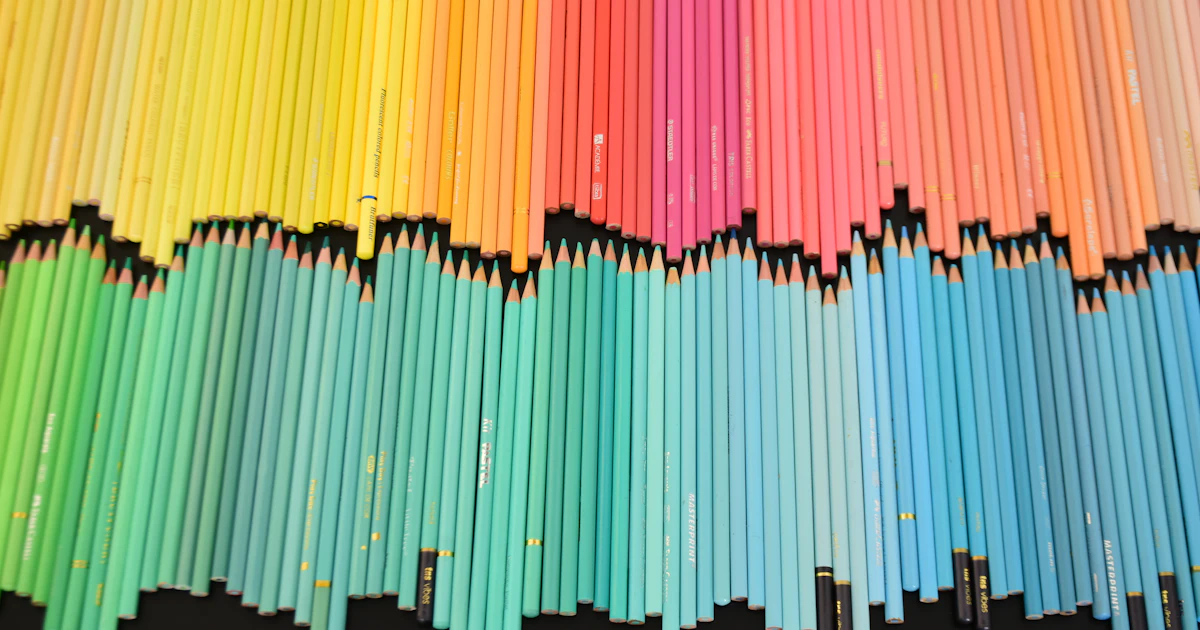
- Use a dark color for the QR Code and a light color for the background. Navy blue, dark green, purple, or dark brown are generally safe.
- Avoid pale colors for the QR Code, such as yellow, pale pink, or light gray.
- Do not invert the colors into a light QR Code on a dark background, because not all scanner apps support it.
Frames and calls to action
A frame with a call to action such as "SCAN ME", "MENU", or "SCAN WIFI" has been shown to help people understand what a QR Code is for. You can choose a bottom label, top label, corner, speech bubble, circle, or ribbon frame, then change its text and color.
Rules for keeping the design readable
- Maintain strong contrast between the QR Code and its background.
- Keep the three marker squares in the corners clear and uncovered.
- Leave empty space around the QR Code and the frame.
- Do not shrink a designed QR Code too much. Shapes such as a heart make the actual QR Code area smaller than the overall image size.
- Test with several phones before printing.
If your design is hard to scan, revert the settings to the defaults one at a time with the Reset button to find the cause. Other common causes can be found in 7 reasons a barcode won't scan.
Frequently Asked Questions
Can a heart-shaped QR Code still be scanned?
Yes. The actual QR Code stays intact in the middle and the rest is just a decorative pattern. As long as the contrast is strong and the size is sufficient, the QR Code remains readable.
What colors are safe for a QR Code?
Dark colors such as black, navy blue, dark green, purple, or dark brown on a white or very light background.
Can a QR Code have text or a frame?
Yes. A frame with a call to action such as "SCAN ME" actually helps people understand what it is for, as long as the frame does not cover the QR Code.