The Right Barcode Size and Resolution for Printing
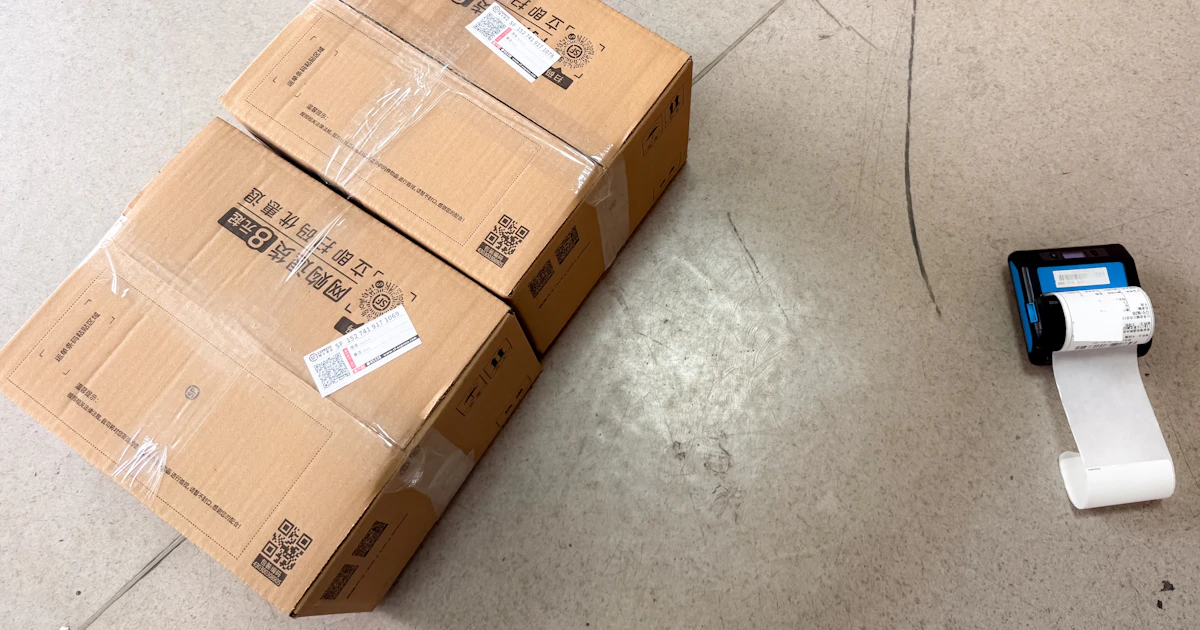
A barcode that looks good on screen is not necessarily readable once printed. A size that is too small, low resolution, or ink that bleeds can make scanners fail to read it. Here is a guide to keeping your prints readable.
Understand the module
A module is the smallest unit of a barcode, that is, one small square in a QR Code or the narrowest line in a line barcode. The module size determines how easily the barcode can be read. At I Need Barcode, the module size can be set in the Settings section: the higher the value, the larger and sharper the downloaded image.
Minimum QR Code size
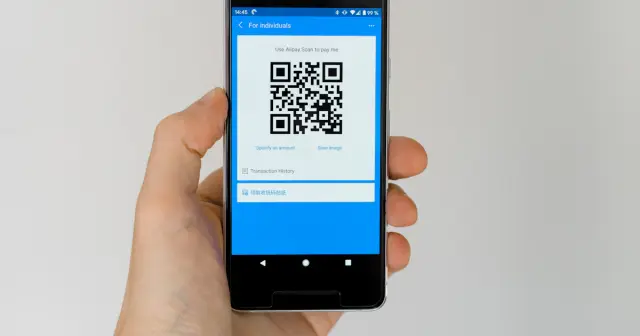
- For scanning up close (for example business cards or product labels), a size of about 2 × 2 cm is the safe minimum.
- Use a ratio rule of about 10 : 1: the scanning distance is roughly ten times the width of the QR Code. For a poster scanned from 2 meters away, make the QR Code at least about 20 cm.
- The more data you store, the denser the pattern, so a larger size is needed.
Product barcode size
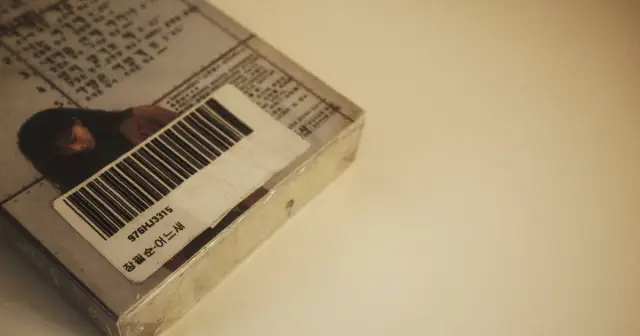
The standard size of EAN-13 is about 37.3 × 25.9 mm (100%). It may be reduced to about 80% or enlarged up to 200%. Avoid cutting the bar height too short, because checkout scanners need room to read from various angles.

Image resolution
- For printing, try to have each module drawn with several full pixels, not partial pixels. Choose a larger module size when downloading, then scale it down in your design app, not the other way around.
- Avoid enlarging small barcode images, because the edges of the squares will become blurry or jagged.
- Save in PNG format so the colors and edges are not degraded as they are in JPG.
Quiet zone
Every barcode needs empty space around it, called the quiet zone. For a QR Code, it should ideally be four modules wide. For line barcodes, empty space on the left and right is very important. Do not place text, design lines, or the edge of the packaging too close.
Colors and materials
- Use a dark color for the barcode and a light color for the background.
- Avoid glossy or transparent materials, because light reflections can interfere with the camera.
- Always print one sample and test it with several phones or scanners before printing many.
If your barcode is still hard to scan, check 7 reasons a barcode won't scan.
Frequently Asked Questions
What is the minimum size of a QR Code for printing?
For scanning up close, about 2 × 2 cm is the safe minimum. For longer distances, use a ratio of about 10 : 1 between the scanning distance and the width of the QR Code.
What is the standard size of an EAN-13 barcode?
The standard EAN-13 size is about 37.3 × 25.9 mm. It may be reduced to about 80% or enlarged up to 200%.
Why is my barcode blurry after printing?
Usually because a small image was enlarged, or it was saved as a low-quality JPG. Download it with a larger module size in PNG format.