How to Get an EAN-13 Product Barcode for Small Businesses
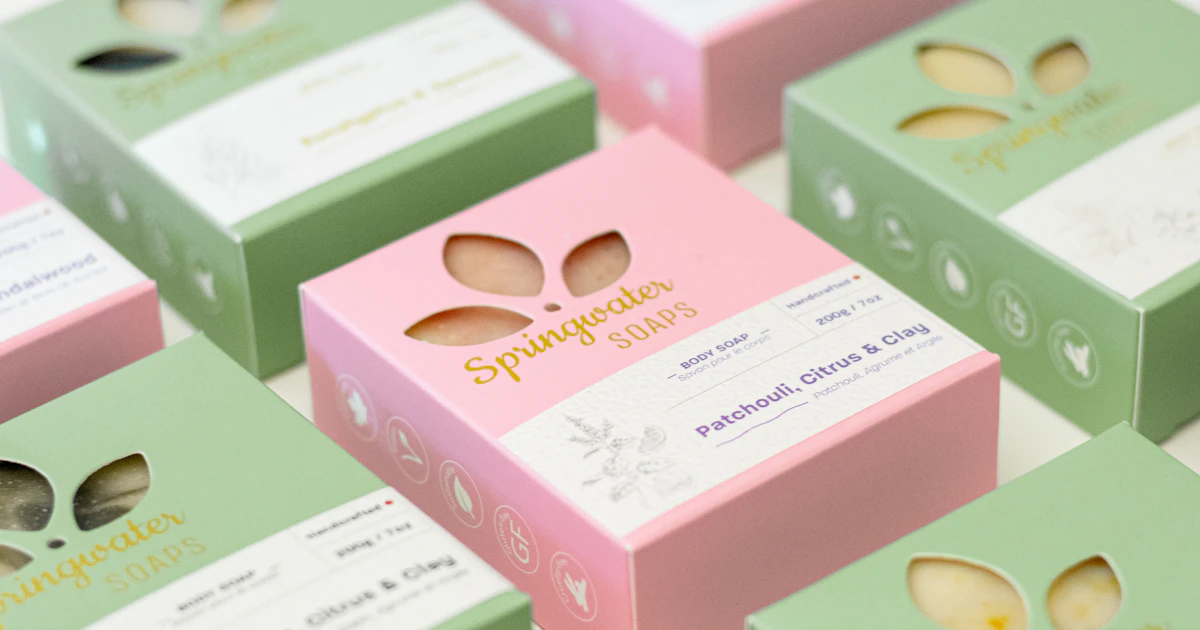
If you want your products sold in convenience stores, supermarkets, or large marketplaces, you will usually be asked to put an EAN-13 barcode on the packaging. This barcode contains 13 digits that serve as your product's unique identity worldwide.
What the 13 digits of EAN-13 mean
- GS1 prefix: the first three digits indicate the GS1 organization that issued the number. Numbers issued by GS1 Indonesia start with 899.
- Company number: your company's identity, assigned when you register.
- Product number: set by the company itself for each product variant, for example a different flavor or size.
- Check digit: the last digit, calculated automatically from the previous 12 digits to prevent misreading.
Why do you need an official number?
Anyone can draw an EAN-13 barcode, but the number must be registered. Retail stores use that number to recognize products in their systems. If you make up your own number, it may clash with another company's product and be rejected when the product is registered with the store.

How to register a number with GS1 Indonesia
- Prepare your business documents, such as an NIB (Business Identification Number) and NPWP (Taxpayer Identification Number), along with a list of the products that will be given barcodes.
- Register your company through the official GS1 Indonesia website and choose the quantity of numbers you need.
- Pay the registration fee and annual dues according to the applicable regulations.
- Once approved, you will receive a company number and can create a number for each product.
Requirements and fees may change, so always check the latest information directly on the GS1 Indonesia website.
Creating the barcode image
Once you have your number, open the EAN-13 generator and enter your product's 12- or 13-digit number. If you enter 12 digits, the check digit will be calculated automatically. Make sure the option to show text below the barcode is turned on so the digits are printed, then download it as a PNG.
Tips for printing on packaging
- Use black or dark blue lines on a white background. Avoid red for the lines, because many checkout scanners use red light, so red lines cannot be read.
- Do not shrink the barcode too much. The standard EAN-13 size is about 37.3 × 25.9 mm and it may be reduced to about 80%. More details in the barcode size guide.
- Leave empty space to the left and right of the barcode, and avoid placing it on folds or seams of the packaging.
- Test a print with a scanner before printing in large quantities.
For products sold in North America, you may also be asked to use UPC-A, which contains 12 digits.
Frequently Asked Questions
Can I make up my own EAN-13 number?
You can create the barcode image yourself, but the number should be an official one from GS1. A self-made number can clash with other products and be rejected by retail stores.
Does every product variant need a different barcode?
Yes. Every distinct variant, for example a different flavor, size, or pack quantity, needs its own EAN-13 number.
What is the check digit in EAN-13?
The check digit is the 13th digit, calculated from the 12 digits before it. Scanners use it to make sure the barcode has been read correctly. The I Need Barcode generator calculates it automatically if you enter 12 digits.