QR Codes for Restaurant Menus: A Complete Guide
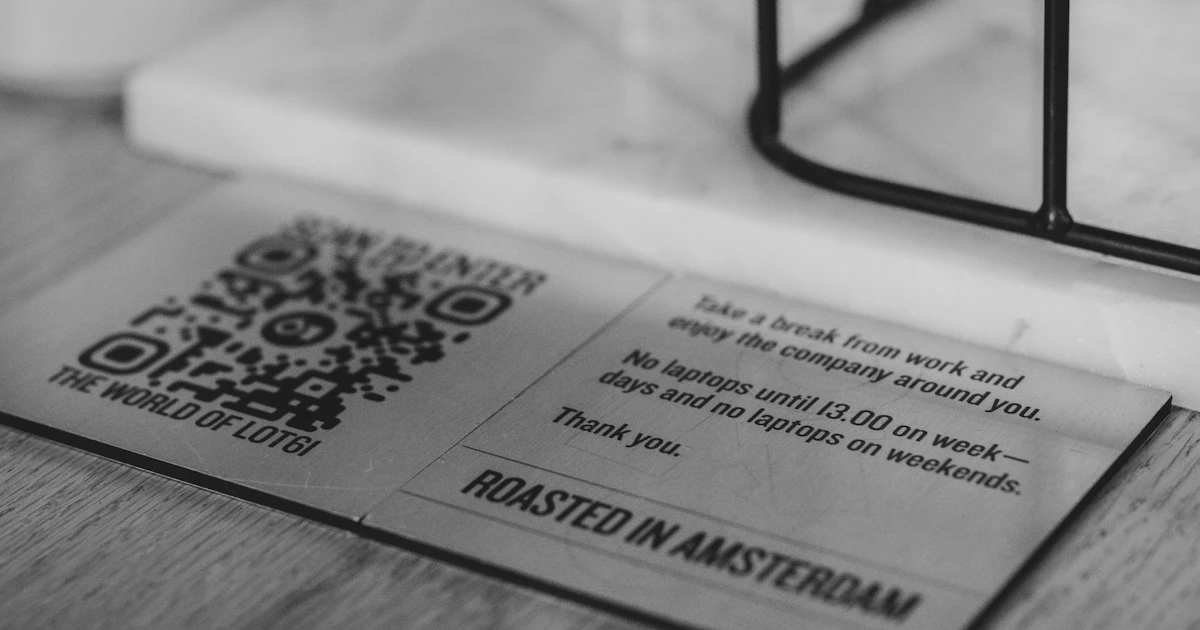
Digital menus via QR Code are now commonplace in cafés and restaurants. Customers simply scan the QR Code on the table to see the list of dishes, prices, and photos. For business owners, this approach saves on printing costs and makes it easy to change prices or menu items.
Benefits of a QR Code menu
- Easy to update: change prices or add dishes without reprinting the menu book.
- Cost-effective: just print a small QR Code for each table.
- More informative: show photos, descriptions, and labels such as spicy or vegetarian.
- Supports online ordering: direct customers to an order form or WhatsApp.
Step 1: Prepare an online menu
A QR Code contains only a link, so you need a menu that can be opened on the internet. Options include a page on your own website, a PDF file in online storage that is shared publicly, or a catalog page on an ordering platform. Make sure the menu is comfortable to read on a phone screen: the text is large enough, the photos are not too heavy, and the prices are clear.

Step 2: Create the QR Code
- Copy the link to your menu.
- Open the QR Code generator, select the URL tab, then paste the link.
- Add a frame with the text "MENU" or "SCAN TO VIEW THE MENU" in the Design section.
- Match the colors to your restaurant's branding, but still use a dark color on a light background.
- Download the PNG with a module size large enough for printing.
Use a link that will not change. If the menu is moved to a different address, QR Codes that have already been printed cannot be updated. The explanation is in the article what is a QR Code.
Step 3: Print and put it up
- Print it at a minimum size of about 3–5 cm so it is easy to scan from a seat.
- Use a spill-resistant material, such as vinyl stickers or laminated cards without excessive gloss.
- Place it in an easy-to-reach position, for example on an acrylic stand in the middle of the table.
- Add the table number near the QR Code if customers order via chat.
Don't forget customers without a phone
Keep one or two printed menus for customers who do not have a phone with them, whose battery has run out, or who are more comfortable reading a physical menu.
You can also create a WiFi QR Code for guests and place it next to the menu QR Code.
Frequently Asked Questions
What should I use for a digital menu: a PDF or a web page?
A web page is usually more comfortable to read on a phone and faster to open. A PDF can be used if the file is small and the text is large enough on screen.
How big should a menu QR Code on a table be?
About 3 to 5 cm is enough to be scanned from a seat. Use a spill-resistant material that is not too glossy.
Do I need to reprint the QR Code when the menu changes?
No, as long as the link stays the same. Just update the content of the page or menu file that the QR Code points to.